I have been using the ASUS Vivobook 16 (X1605VA) for the last 2 months for research, writing, occasional video editing, and entertainment.
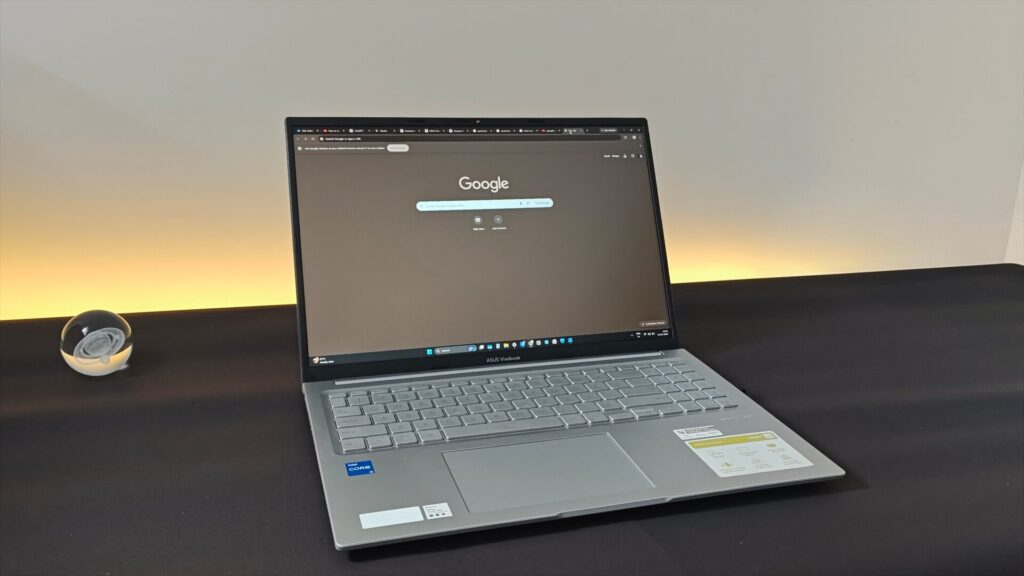
Before getting into my experience, though, a bit of context is helpful. I’m primarily a desktop user, and while I have tested a few laptops so far, like the Vivobook Go 15 OLED, I’ve never really been able to appreciate a laptop. Until now. There are both positives and negatives about this device, but this is the first machine that crossed a certain threshold for me. I’ve been able to return to the laptop after going back to my desktop for a while and still appreciate its strengths.
There are three things I like about this laptop, and four that I don’t.
What works well
The thing I like the most about this laptop is its keyboard: the combination of tactile feedback and low actuation force.
The display is another highlight: it’s an IPS panel with good color reproduction and, in my opinion, impressive contrast ratio. It doesn’t look grey in a dark room. Phones generally get much better displays than these large-screen devices, but to my surprise, it’s very close to my Poco X3 in this aspect.

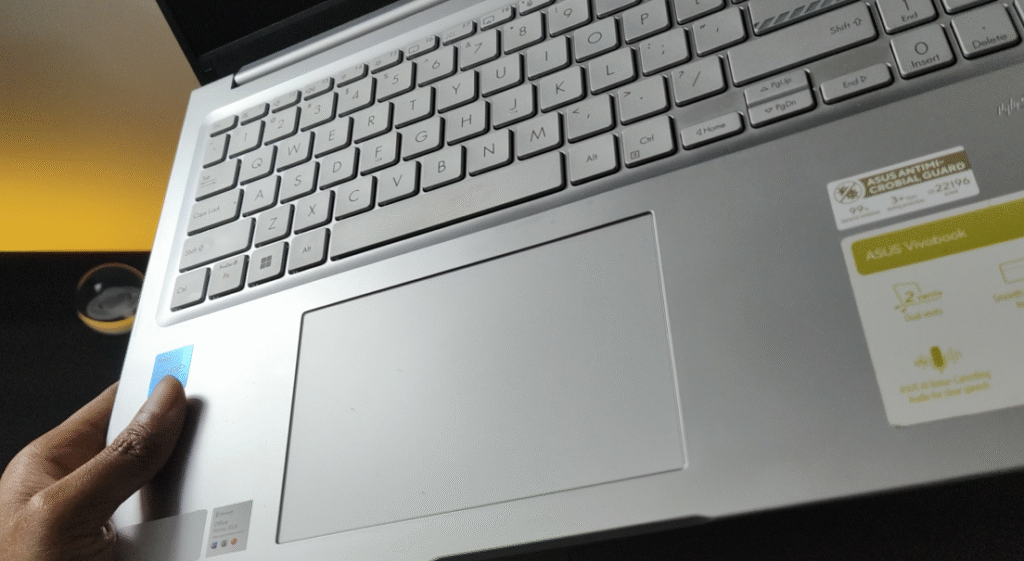
As for the numbers, this is a 15.6” screen with a wide 16:10 aspect ratio and a resolution of 1920×1200. There’s no high refresh rate option on this laptop, only the standard 60Hz and a lower 48Hz for some reason. It’s not a gaming laptop, so it doesn’t feel like a missed opportunity. The trackpad is also quite large, and it makes navigation easier.
As for performance, it’s not for gaming. But it can handle switching back and forth between 20 tabs at once without struggling, as long as it’s connected to the charger. Basic video editing also works fine. It runs on the 13th Gen i5 — the i5-13420H.
That being said, I have reached the end of the good things about this laptop. The list of issues is already longer, and it seems the list will start expanding pretty soon. Just stick to the end because many of its issues are not exclusive to this particular model. So if you are looking for a laptop in the ₹50K range, it’s worth having an idea of what to expect. It’s better to know beforehand than to be surprised after making a purchase.
The disappointing aspects: quite a few
Build quality
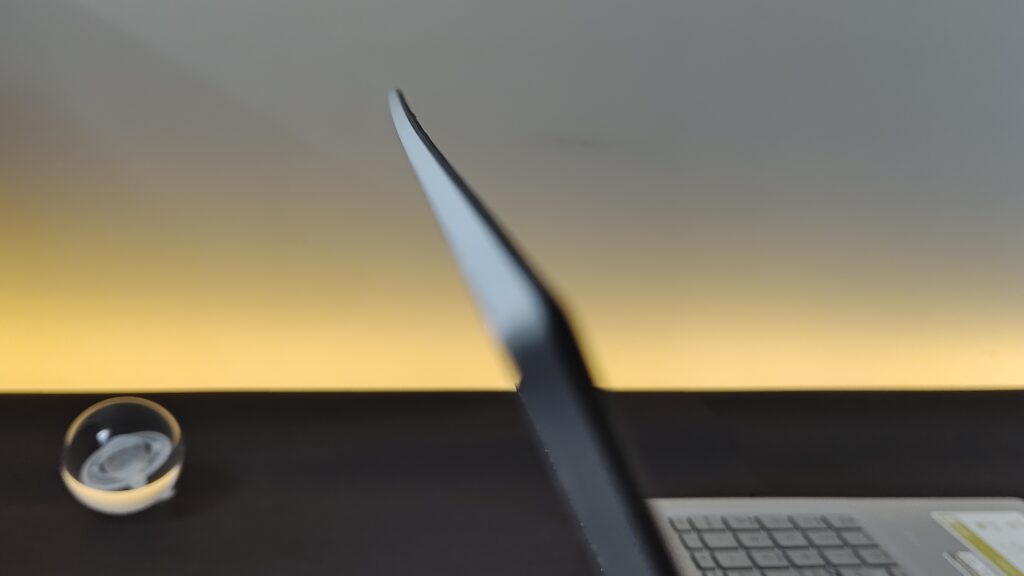
Plastic may last a thousand years, but this flexing lid and creaking hinge make me worry about how long the laptop itself will survive. It took less than a week of careful usage for the first signs to appear, which was disappointing.
About a month later, I noticed these dots on the display (pictured below). At first I thought the obvious: maybe I need to wipe the screen. But these are actually permanent damage marks from contact with the base — the area between the trackpad and the keyboard.
The portion of the base between the keyboard and the trackpad is very slightly raised, and the lid is also flexible to some extent. Even holding the laptop the wrong way may put some pressure on the display panel. And any solid particle in here can damage the display.
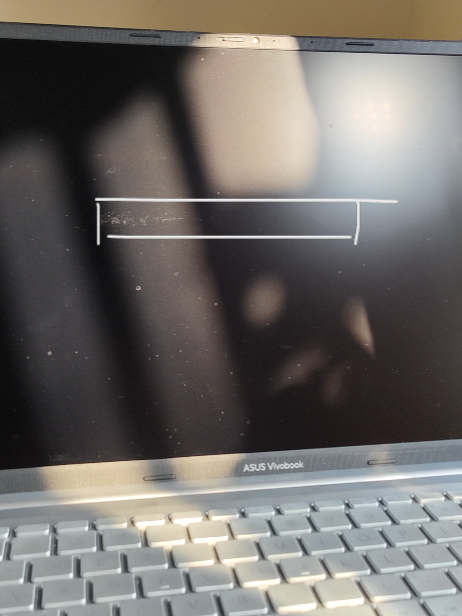
This laptop is really fragile, and it needs to be handled with care. I’m not sure if every ASUS laptop at or below the ₹50k range is this fragile, but I can confirm it’s the case with the smaller Vivobook Go 15 OLED as well.
Thermal management:
Let’s talk about the i5 chip — or its power consumption and heating. It’s so inefficient that it needs the fan to spin at around 2000 RPM while just sitting on the home screen. You can hear it clearly in a quiet room.
The CPU stays above 60°C during regular web browsing — about 30 degrees higher than the room temperature. Play a video on YouTube and the temperature rises even further.
Battery
The flip side is the battery life. It consumed 30% charge in just one hour of web browsing. At full brightness, the backup came down to 2 hours and 46 minutes with a very similar workload.
While watching a movie in 1080p at medium to low brightness, it consumed 50% battery in 1 hour and 40 minutes — meaning just over 3 hours of backup in total.
Video editing? 2 hours and 8 minutes of runtime while cutting and rearranging some 4K footage in CapCut.
So it won’t hit 4 hours in most cases and can go much lower if you’re doing something resource-intensive.
Yes, it’s a bit difficult to believe these numbers, unless you touch the base near the processor.
So you should treat it more like a desktop — one that requires a wall socket to run — rather than a battery-powered device. Its 42Wh battery pack is more like backup power in case of an emergency. That’s it.
To be fair, 40Wh is still a fairly common number for Windows laptops in the ₹50K range. But pair it with this inefficient chip, and you can barely use it on the go. Keep in mind, portability is the biggest reason why most people prefer a laptop over a desktop. It comes with a 65W adapter and supports USB-C charging.
Weight
It weighs 1.88 kg, which is also a little disappointing considering it only packs a 42Wh battery and a fragile plastic body.
The speakers are okay: not for music listening, but they make a video audible with decent volume. The thing that stood out is the audio processing. When connected to an earphone, the stereo output sounded much better from this laptop compared to any phone I’ve ever used.
Final verdict:
So, should you invest in this laptop — or any other model with a somewhat similar situation?
Raw performance from the i5 13420H is enough for multitasking. You can put it on a desk and ignore the heating. Connect it to the charger and limit charging to 80%. But there’s still a major problem. I won’t recommend this laptop for a price tag of ₹55k, considering its poor build quality.
A Snapdragon-based alternative:
Interestingly, there’s also a Snapdragon X variant of the Vivobook 16 — the X1607QA. This model retains most of the basic configuration of the Core i5-13420H version but adds a larger 50Wh battery and a redesigned hinge.
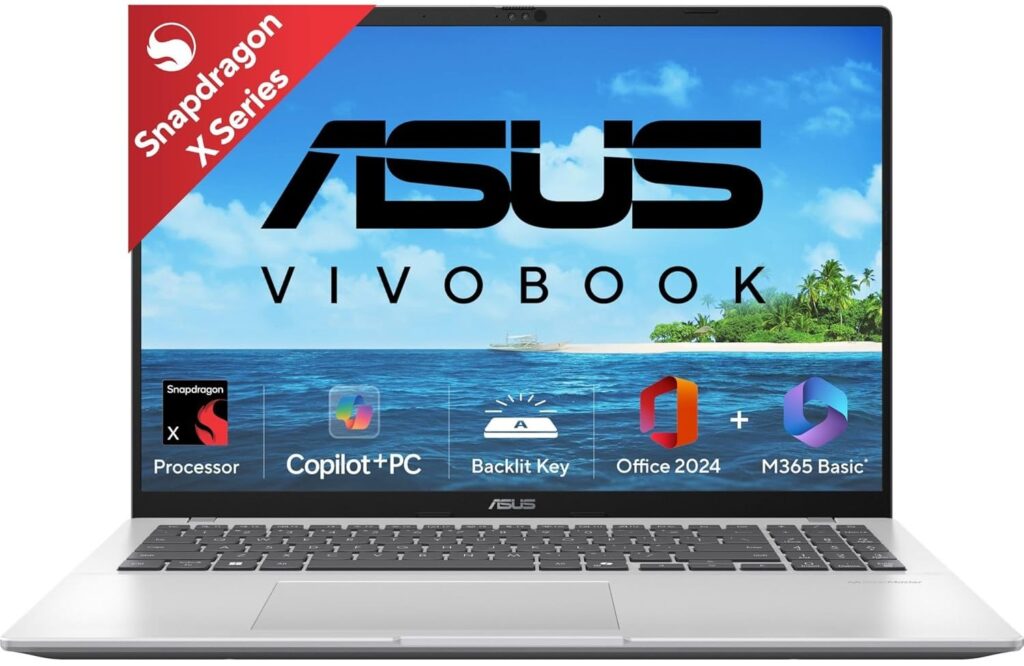
As per reports, the updated hinge introduces a micro hinge cap integrated into the 180° lay-flat mechanism, which is said to improve overall structural rigidity and address durability concerns reported with the i5 variant.
With an ARM-based chip that offers comparable raw performance and much improved power efficiency, the Vivobook 16 (X1607QA) delivers significantly longer battery life while also running cooler and quieter than its Intel counterpart.
As for x86 app compatibility, Microsoft’s Prism emulator translates x86/x64 applications to ARM with minimal overhead. In many everyday scenarios, it can deliver near-native performance. For typical use such as browsing, streaming, and light productivity, most users are unlikely to notice the emulation layer.
Prospective buyers should once check for emulation performance with their specific x86 applications, and they should be good to go.